Video Audio Replacer
Replace Audio in Any Video — Lossless, No Re-encoding, No Waiting.
Built for post-production. Zero quality loss. Done in seconds.
Video Audio Replacer does one thing perfectly: it swaps the audio track in your video file without touching the video. No re-encoding. No quality loss. No waiting for a transcode to finish.
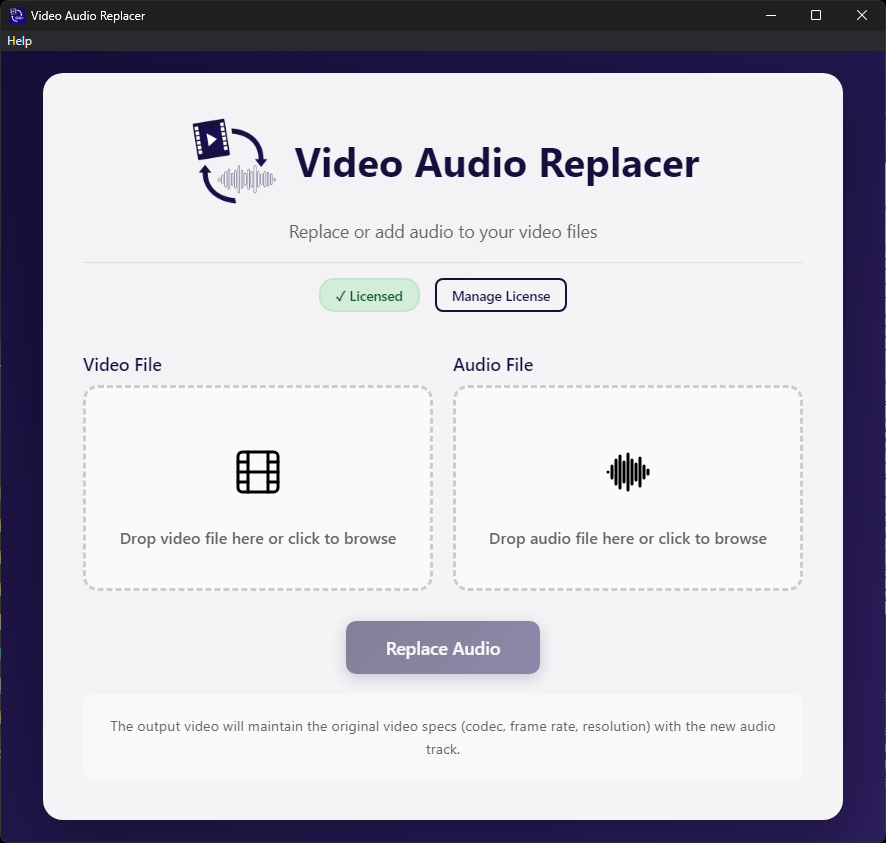
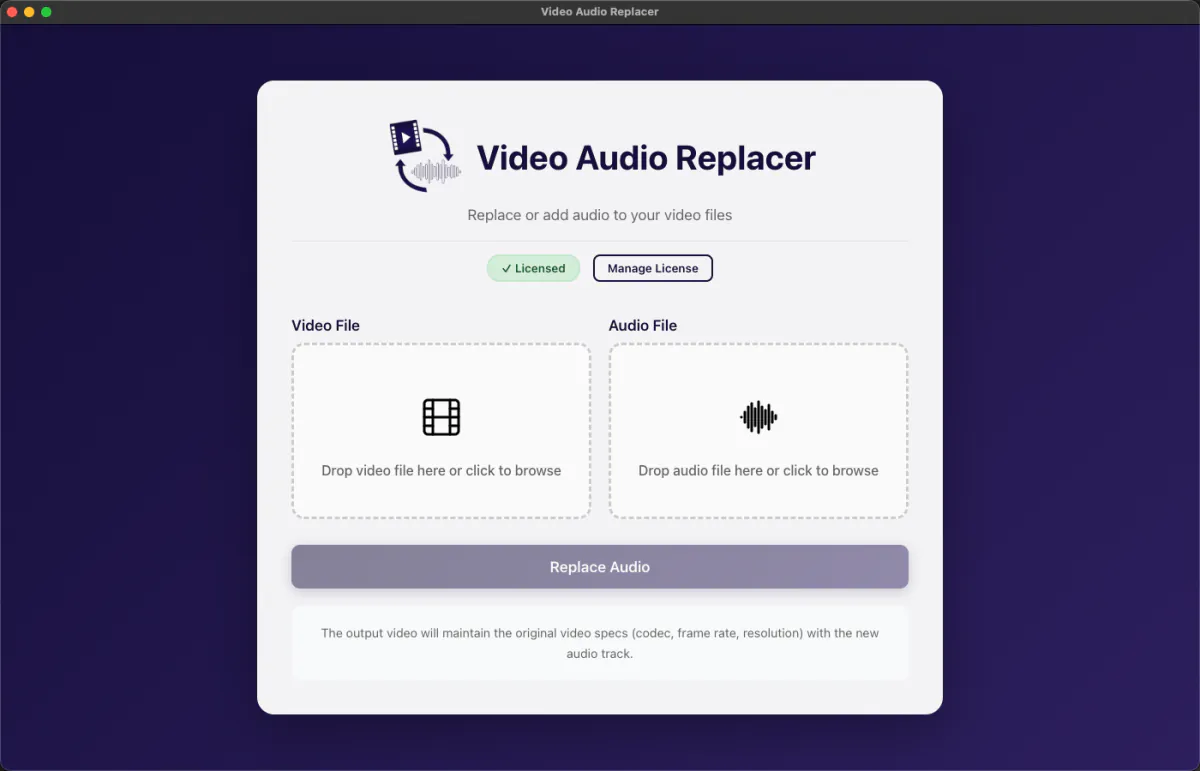
Drop in your video. Drop in your new audio. Done.
| Download Free Trial – Windows | |
| Download Free Trial macOS |
14-day free trial — full functionality, no credit card required.
$9.99
Built for people who work in post-production
- Post-production editors replacing scratch audio with the final mix
- Sound editors delivering clean audio back to picture
- Assistant editors syncing a new audio deliverable to an existing video export
- Filmmakers swapping guide track audio for a polished final mix
- Film and TV composers syncing their score to a picture cut for director or client approval
- Broadcasters and online distributors updating audio on existing master
Why not just use your editing software?
Your NLE — Premiere Pro, DaVinci Resolve, Final Cut — can replace audio, but it re-encodes the entire video to do it. That means quality loss, long render times, and a bigger file than you started with. All for something as simple as swapping a track. Video Audio Replacer copies the video stream exactly as-is and only touches the audio. The result is identical video quality, a fraction of the time, and no unnecessary transcoding.
Professional features, zero complexity
- Lossless video — the video stream is copied, never re-encoded
- 320kbps AAC output for standard delivery, or lossless audio with Keep Original Audio mode
- Keep Original Audio (lossless). Preserves WAV or FLAC inside MXF, MOV, MKV, AVI (PCM) and MP4 (Apple Lossless)
- Supports stereo, 5.1, 7.1, and poly WAV multi-channel audio
- 5.1 surround layout choice. Output as discrete mono tracks or a single interleaved 5.1 stream (MOV / MKV)
- Discrete mono AAC tracks for 3–5 channel audio. Prevents channel reordering in DaVinci Resolve and other NLEs
- Auto-lossless mode for 7.1 and 8-channel audio. Keeps full fidelity when AAC cannot handle the channel count
- Handles MXF, MP4, MOV, AVI, MKV, WebM, FLV, and WMV video files
- H.264 camera MXF compatibility. Detects Sony XAVC and other H.264-in-MXF sources and offers to save as MP4 for full NLE compatibility
- Per-format channel validation. Warns you before processing if your poly WAV exceeds the container's channel limit
- Accepts MP3, WAV, AAC, M4A, FLAC, OGG, and WMA audio files
- Drag-and-drop interface. No learning curve
- Show in Finder / Show in Explorer — reveals the output file immediately after processing
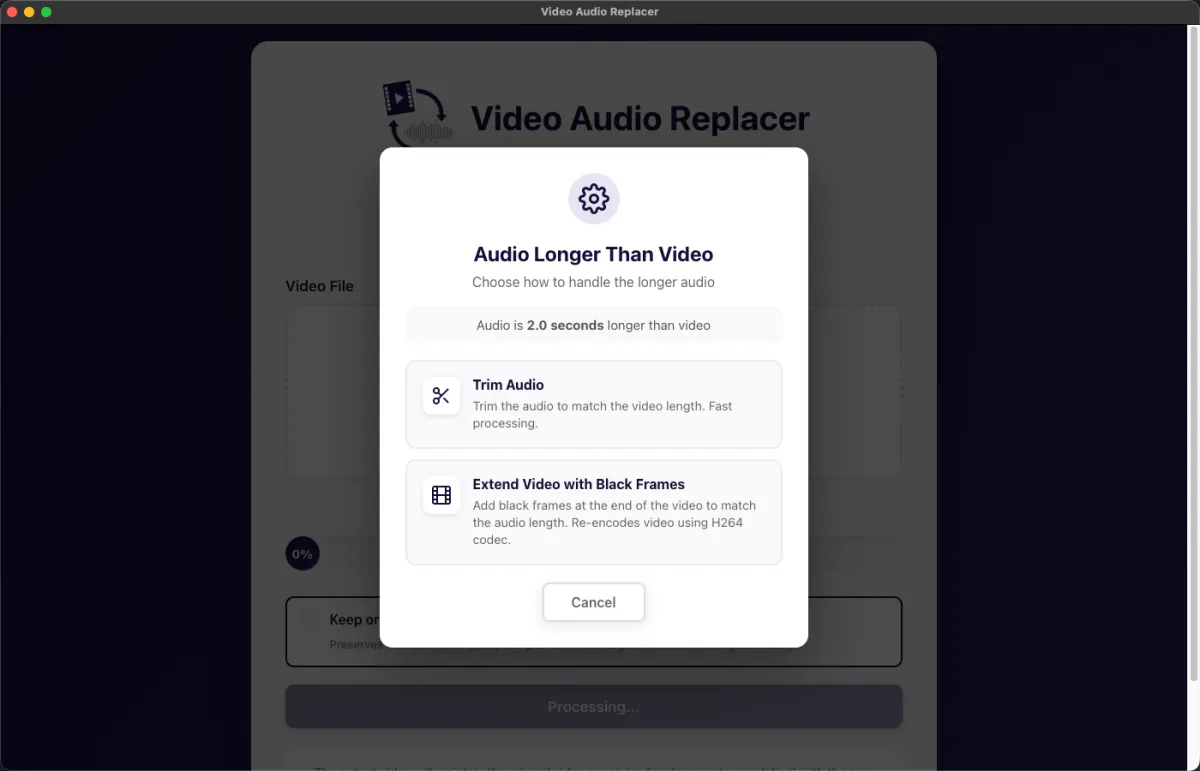
- Length mismatch handling: trim, add black frames, or pad with silence
- Real-time progress tracking
- 14-day free trial. No credit card required
- One-time purchase, lifetime updates
What's new in version 1.0.1
- MXF support : import and export professional MXF containers used in broadcast and film workflows
- Keep Original Audio (lossless) : replaces "Professional Mode"; preserves WAV/FLAC losslessly in MXF, MOV, MKV, AVI, and MP4
- Discrete mono AAC tracks : 3, 4, and 5-channel audio outputs as separate mono tracks, preventing channel reordering in DaVinci Resolve
- 5.1 surround layout toggle : choose discrete mono tracks or a single interleaved 5.1 stream when using Keep Original Audio in MOV or MKV
- Auto-lossless mode : 7.1 and 8-channel audio files automatically lock into Keep Original Audio mode
- H.264 camera MXF warning : detects Sony XAVC and similar H.264-in-MXF sources; offers to save as MP4 for full NLE compatibility
- Per-format channel validation : clear error before processing if a poly WAV exceeds the container's channel limit
- Show in Finder / Show in Explorer : reveals the output file in your file browser after processing
- License stability : license is now preserved across app updates and only requires re-validation if hardware changes are detected
Pricing
- One-time purchase. No subscription. No monthly fees.
- Includes lifetime updates and priority support.
- Single-computer license. Transferable between machines.
System Requirements
- Windows 10 or later (64-bit) — 4GB RAM minimum
- macOS 10.13 or later — Intel and Apple Silicon — 4GB RAM minimum
Download the 14 day - full functionality, no credit card required.
| Windows 10 or later (64-bit) Download Video Audio Replacer for Windows | |
| macOS 10.15 or later (Intel & Apple Silicon) Download Video Audio Replacer for macOS |