
Building broadcast deliveries in a DAW is slow and error-prone

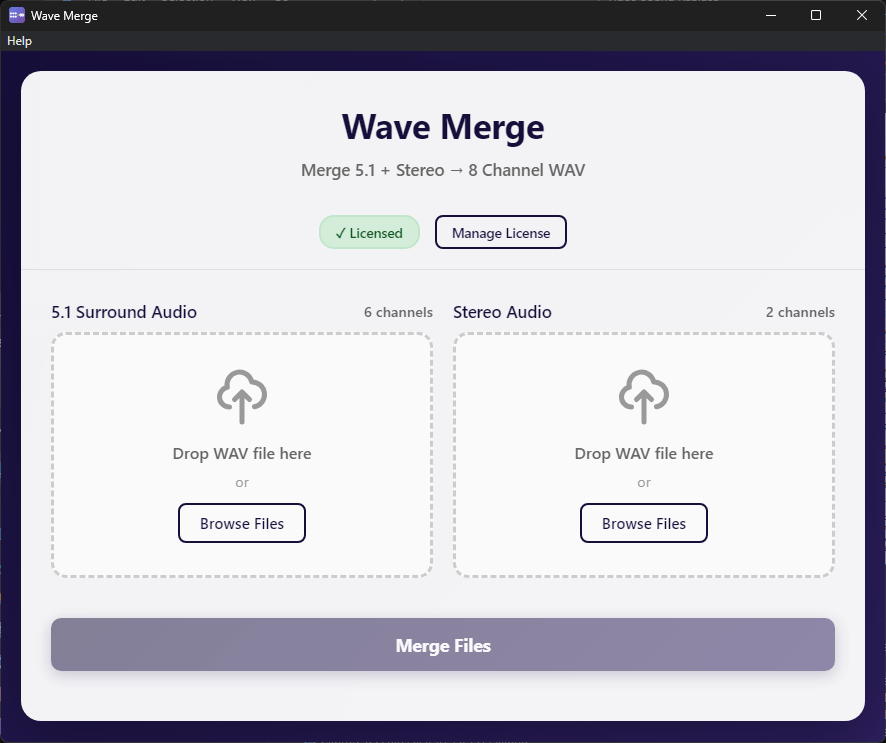
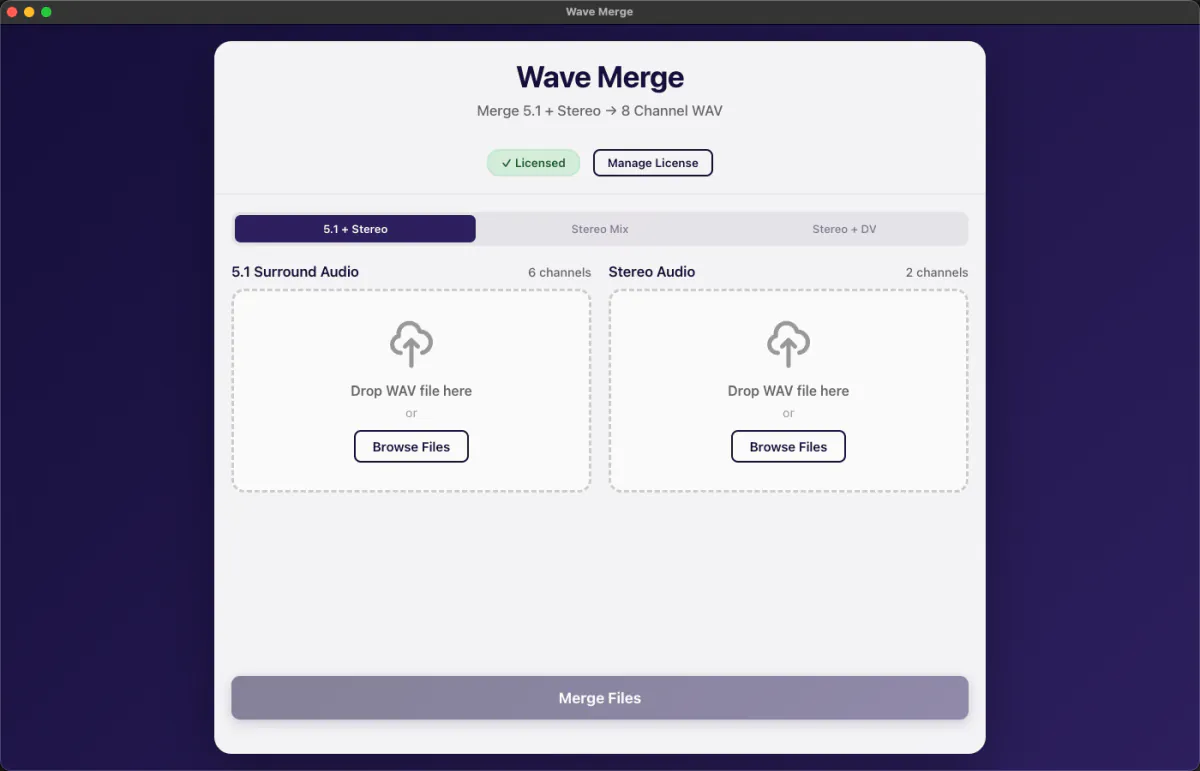
Audio post-production engineers know the pain: you have a perfect 5.1 mix and a stereo downmix, and your delivery spec requires them combined into a single 8-channel WAV. In a DAW, that means creating a new session, setting up routing, assigning channels, checking levels, exporting, and validating. Wave Merge eliminates all of that. It merges your files at the sample level — no re-encoding, no quality loss — and automatically validates that your files are compatible before it starts.

Why use Wave Merge instead of your DAW?

Pro Tools / DAWWave Merge
Setup time 10–20 minutes30 seconds
Risk of channel routing errorHighNone — auto-validated
Requires an active DAW licenseYesNo
Works without opening a sessionNoYes
Quality loss from re-encodingPossibleNever — sample-copy only
 

Handles the three most common broadcast delivery formats

Scenario 1 — 5.1 + Stereo (Full Surround Delivery)

  • Channels 1–6: Your 5.1 surround mix (L, R, C, LFE, Ls, Rs)
  • Channels 7–8: Your stereo mix
Standard delivery for streaming and broadcast

Scenario 2 — Stereo with Silent Channels

  • Channels 1–2: Stereo mix
  • Channels 3–6: Silence (as required by spec)
  • Channels 7–8: Stereo mix (repeated)
For stations requiring stereo on specific channel positions

Scenario 3 — Described Video (DV) Delivery

  • Channels 1–2: Main program mix (stereo)
  • Channels 3–6: Silence
  • Channels 7–8: Described Video mix
Accessibility-compliant deliveries for Canadian broadcasters  

Professional-grade specs. Simple interface.

  • One-click merging — no routing, no session setup
  • Zero quality loss — direct sample-level copying, no re-encoding
  • Automatic validation — checks sample rate, bit depth, channel count, and duration before merging
  • Full RF64 support — handles files over 4GB without issues
  • Sample rates: 44.1kHz to 192kHz
  • Bit depths: 16-bit, 24-bit, 32-bit
  • Drag-and-drop interface
  • Real-time progress tracking
  • Works completely offline — no internet connection required
  • 14-day free trial — full functionality, no credit card required
  • One-time purchase, no subscription

Pricing

  • One-time purchase. No subscription. No monthly fees.
  • Perpetual license — one machine, transferable.
  • Free updates for the current major version.

System Requirements

  • Windows 10 or later (64-bit) — 4GB RAM minimum
  • macOS 10.15 or later — Intel and Apple Silicon — 4GB RAM minimum

Download the 14 day trial - full functionality, no credit card required.

Windows 10 or later (64-bit) Download Wave Merge for Windows
macOS 10.15 or later (Intel & Apple Silicon) Download Wave Merge for macOS